Rat Samurai Showcase
Combat
Currently our game supports combat in the form of fighting different enemies with a couple of different moves and skills the player can use.
Swing
A basic attack the player has access to, a simple swing in front.
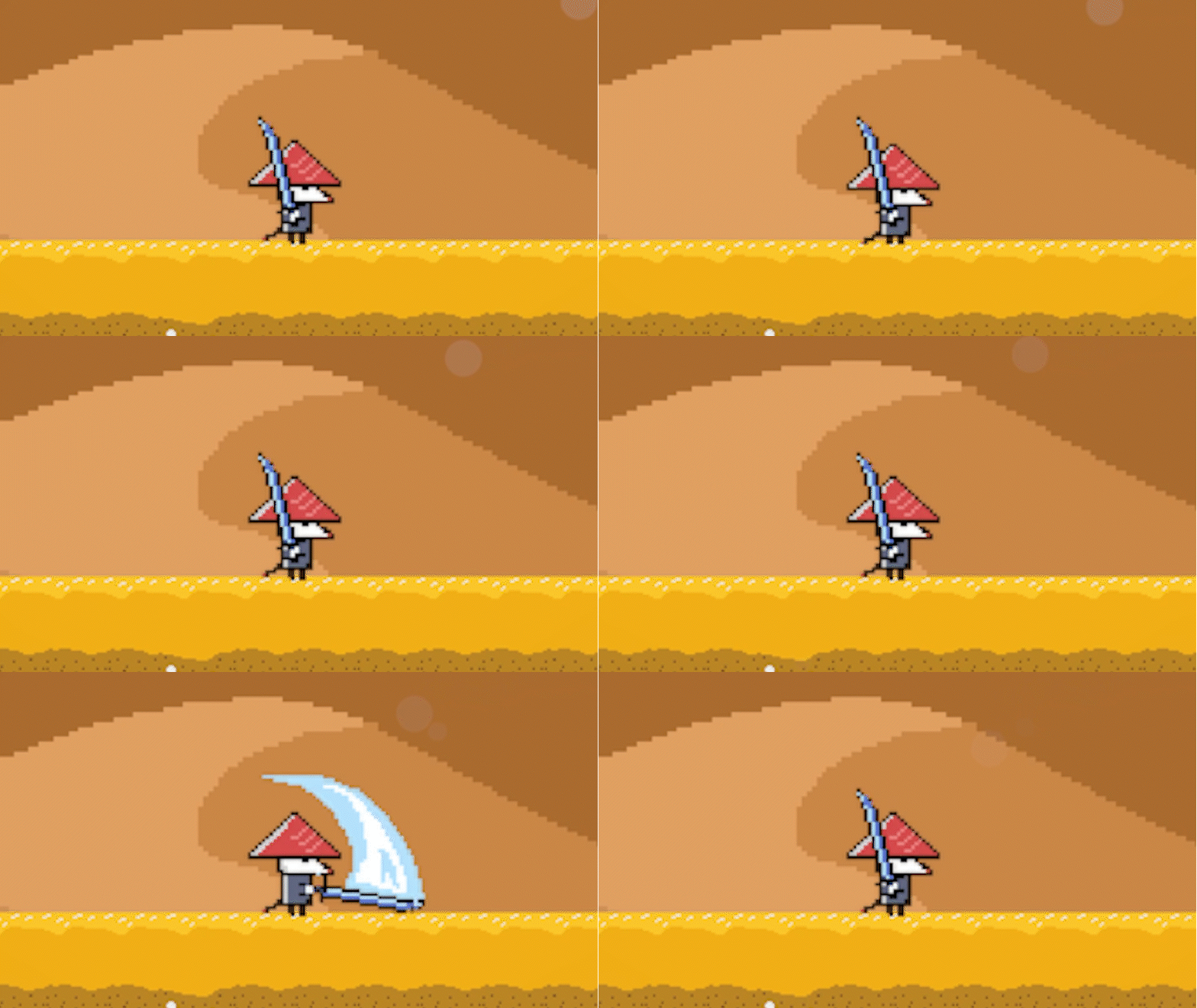
Input the "N" key or 〇/B button.
Swipe
An alternative attack that swipes a bit further than the basic swing.
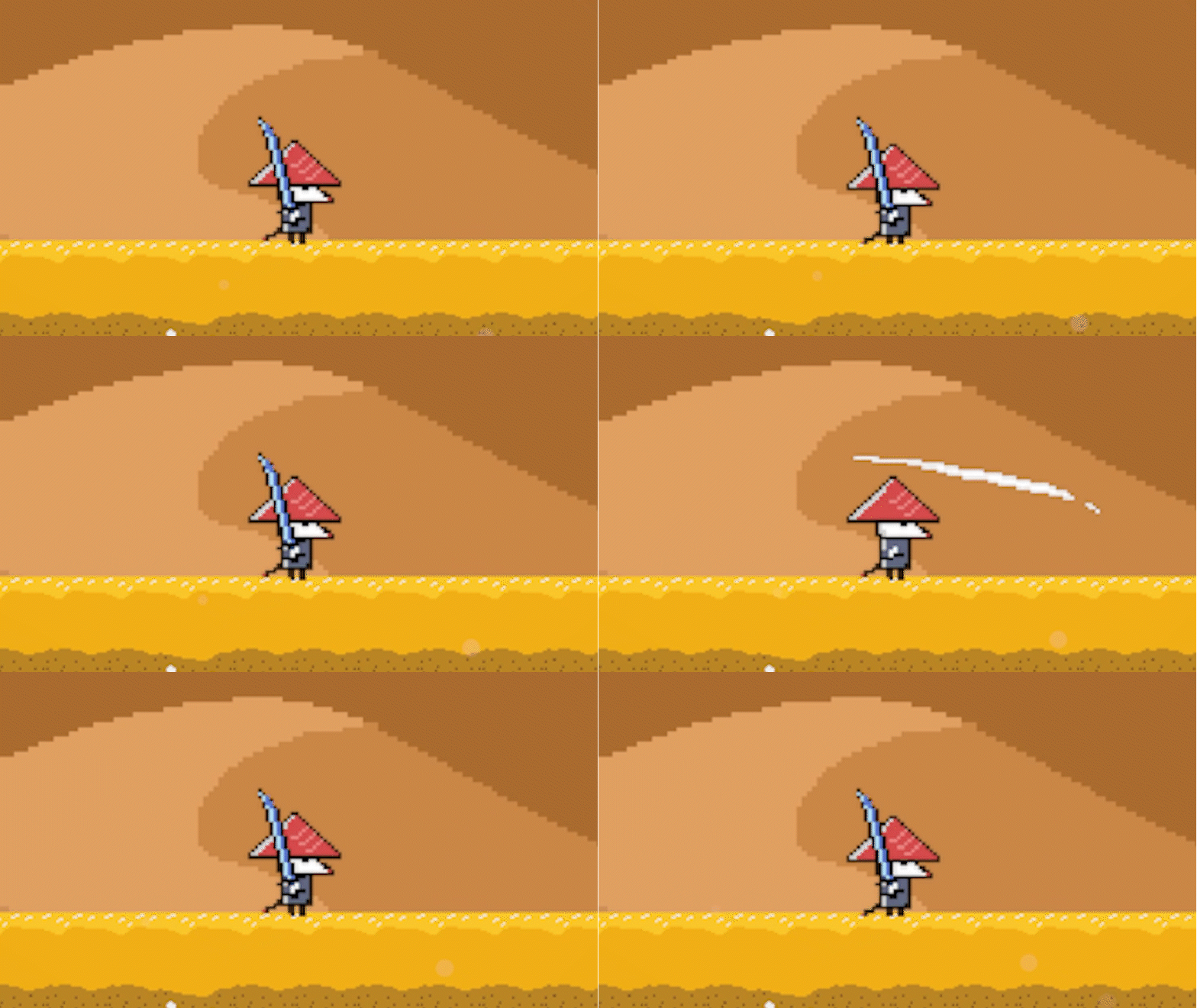
Input the "J" key or right trigger.
Flurry Rush
Unleashes a flurry of swipes doing high amounts of damage in a short amount of time.
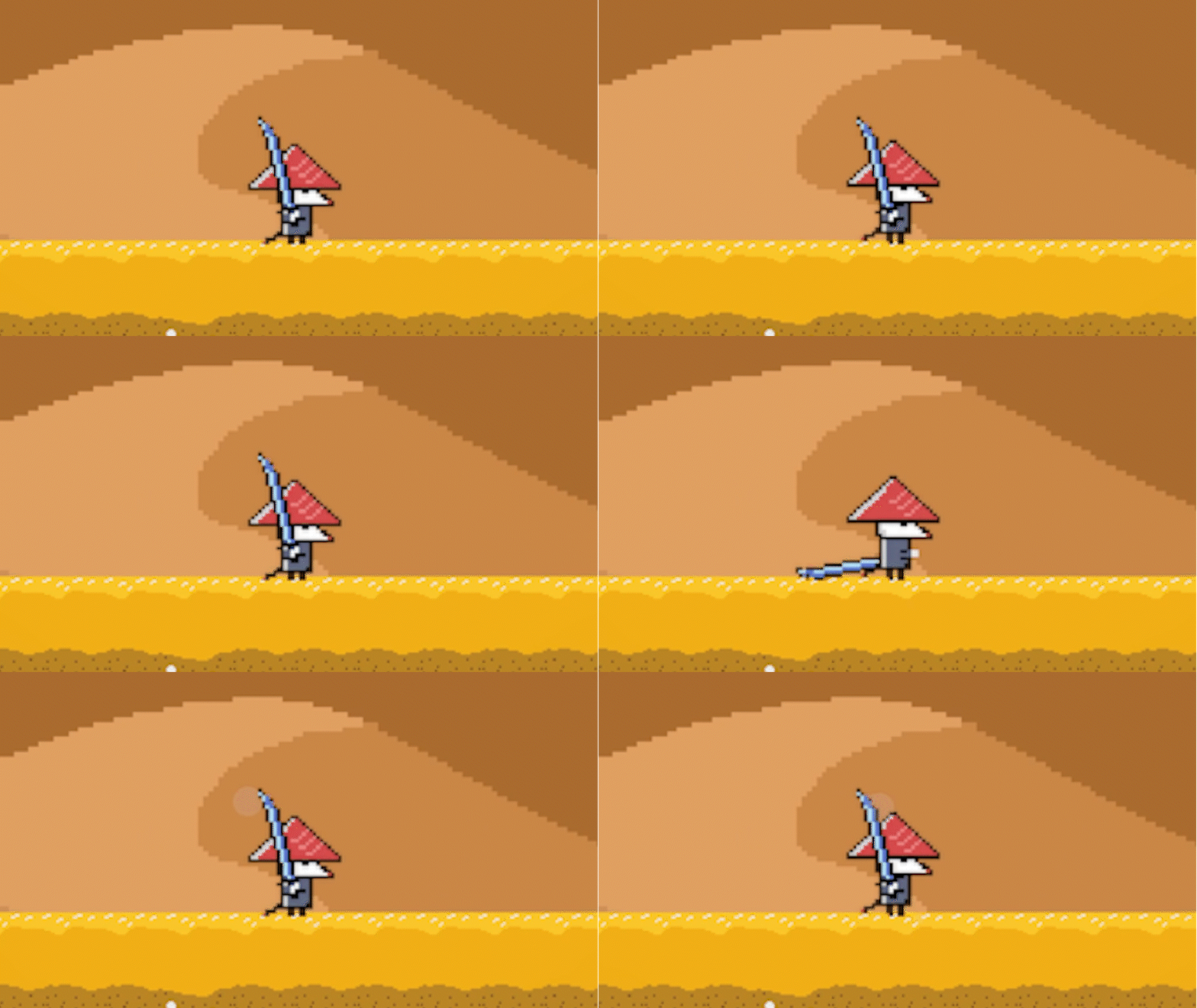
Input the "M" key or the ▲/Y button.
Shuriken
The player has access to shurikens for their ranged attacks.
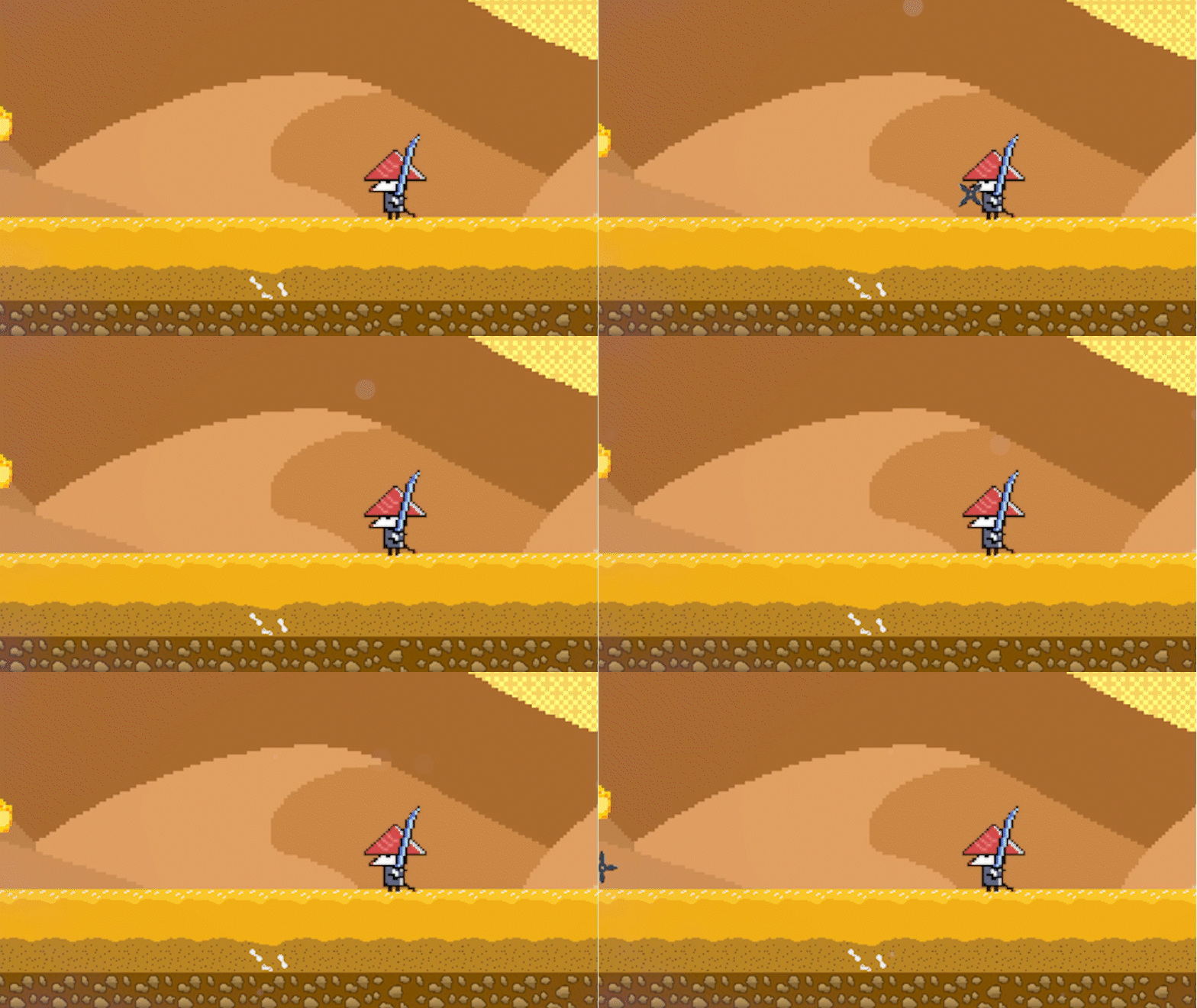
Input the "K" key or right bumper.
Movement
Movement in Rat Samurai is designed to be floaty, fast, and responsive. There are multiple ways control is given to the player.
Running
The player can run left and right to traverse the stages. The player can also slow down their movement by inputting the opposite direction of their current movement.
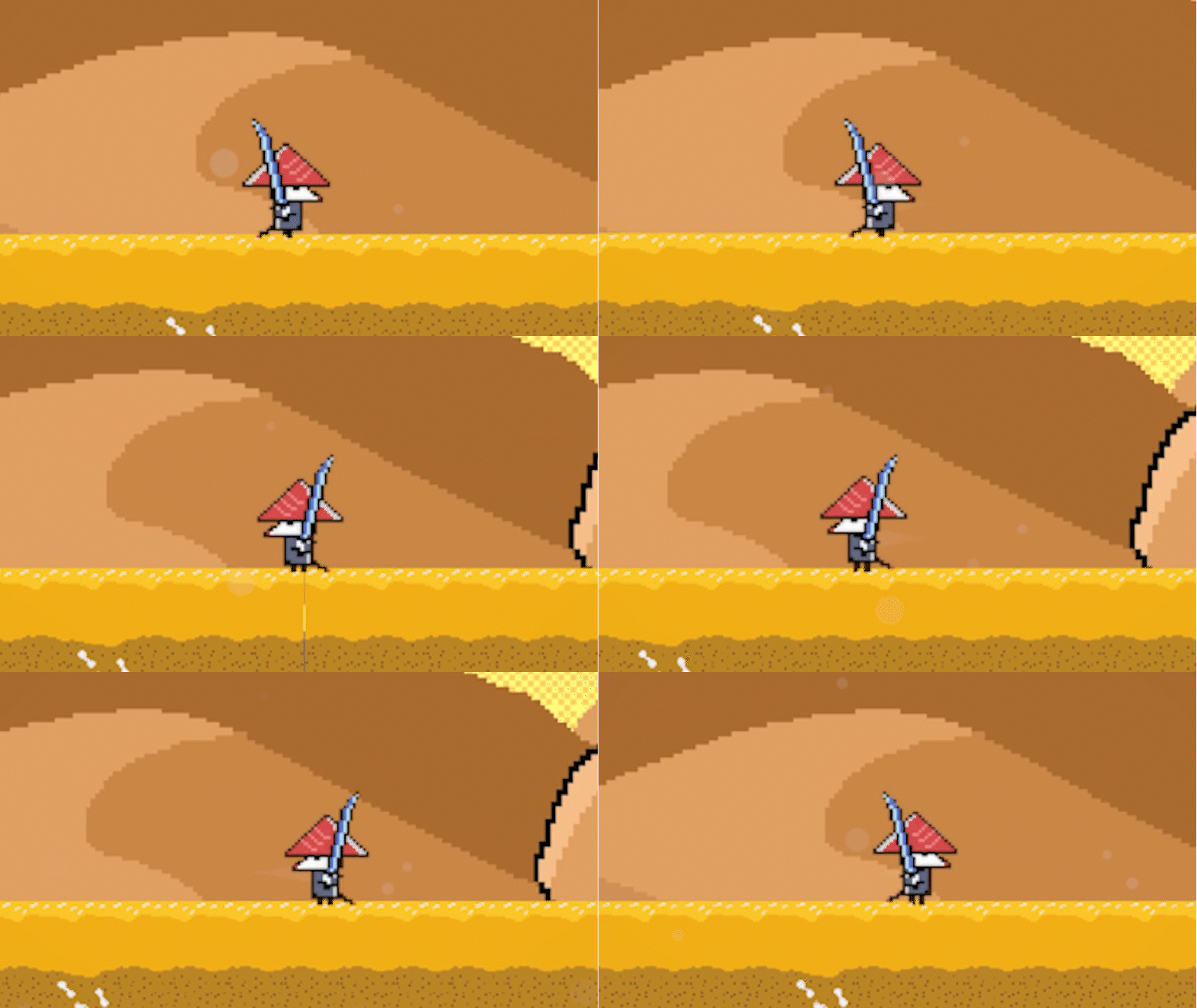
Input the "A" and "D" keys or left/right on the left stick of a controller.
Jumping
The core part of any platformer is the ability to jump. While on the ground, pressing the jump button will initiate upward movement. Holding the button for longer leads to higher jumps and delaying descent.
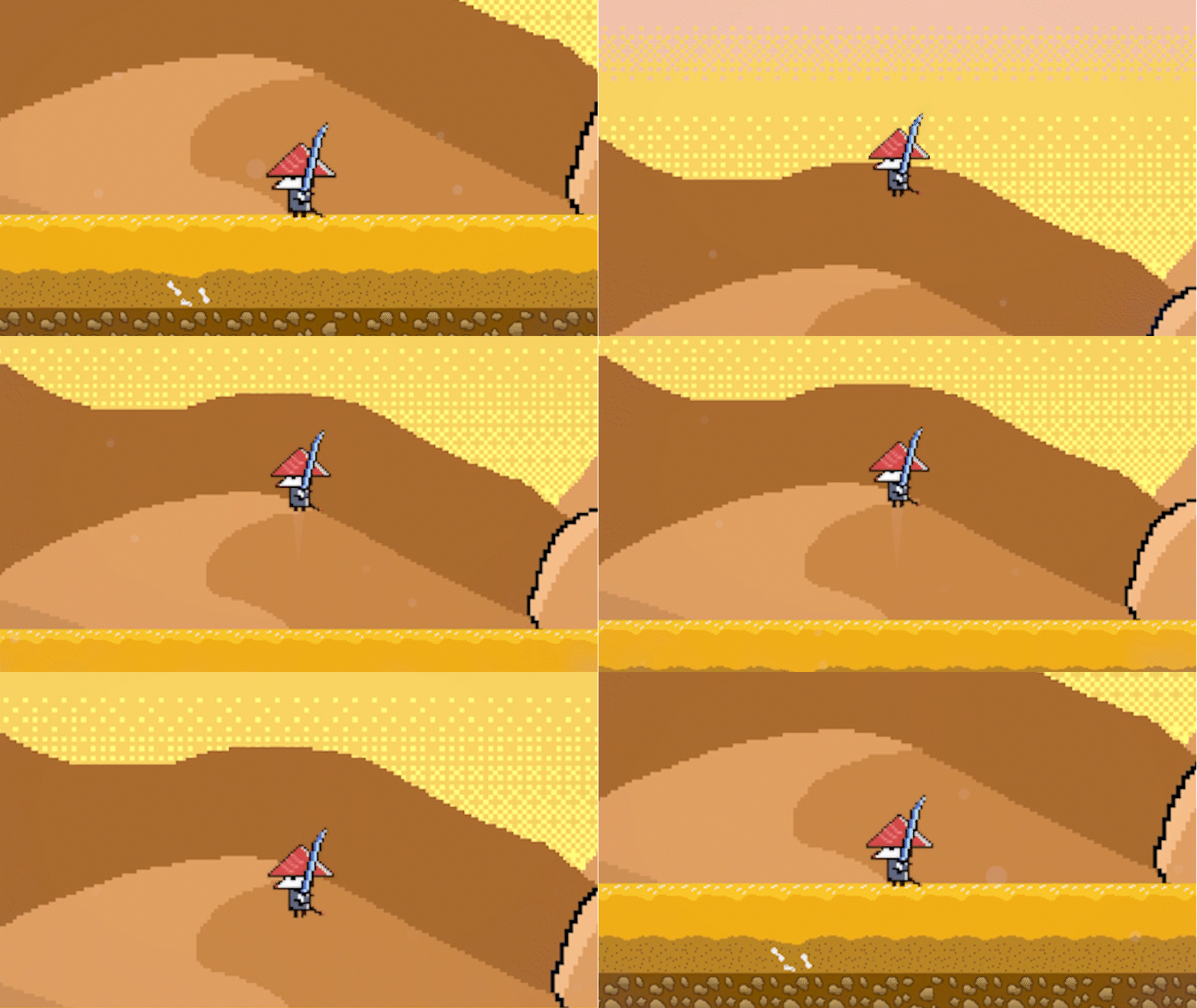
Input the "Space" key or the A/X button.
Fast Falling
By inputting the down direction for movement, the player will be pulled downward with more velocity.
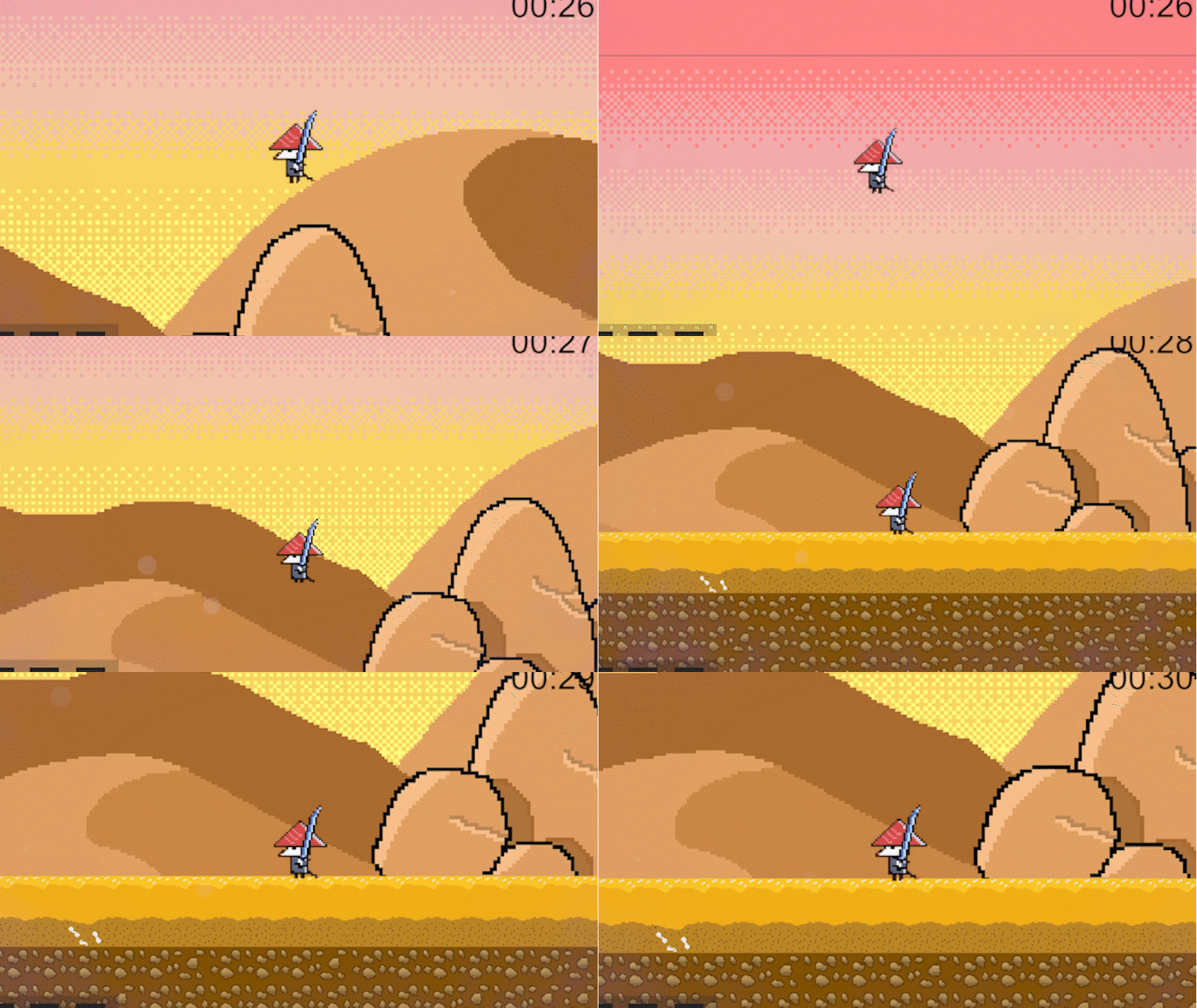
Input the "S" key or down on the left stick of a controller.
Dashing
To evade enemies or make more difficult jumps, dashing can prove to be a useful tool. The player will obtain a surge of speed in the direction they are inputting when the dash button is pressed.
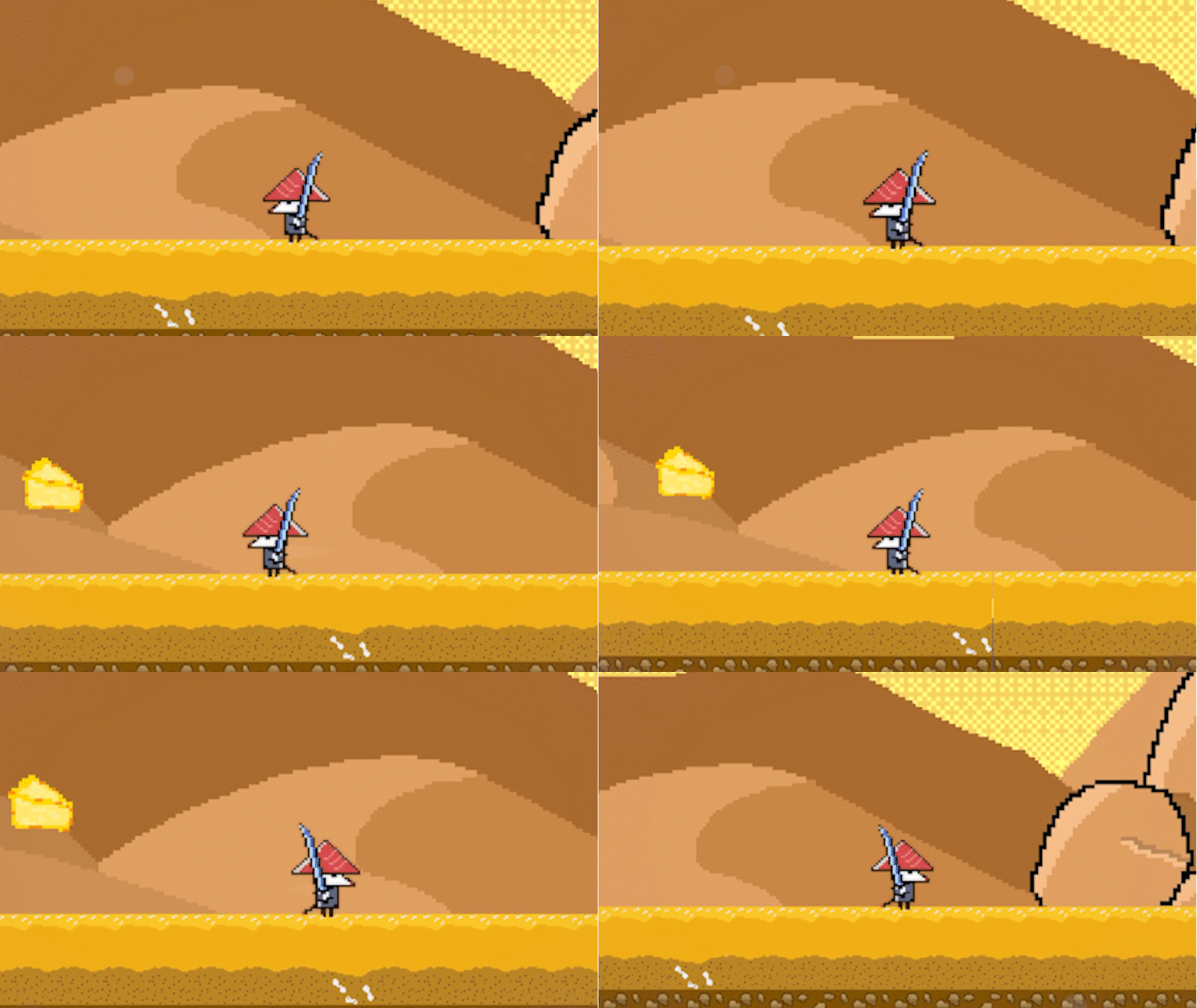
Input "Left Shift" or the left bumper while inputting left / right character movement.
Air Jumping
To give more expression to the player, there is also an ability to "jump" in the air. This differs from the freedom of "double jumps" in the fact that the player functionally "stores" their jump for later when they fall off a platform or launch off a bouncy surface. Jumping into the air consumes the jump pre-emptively.
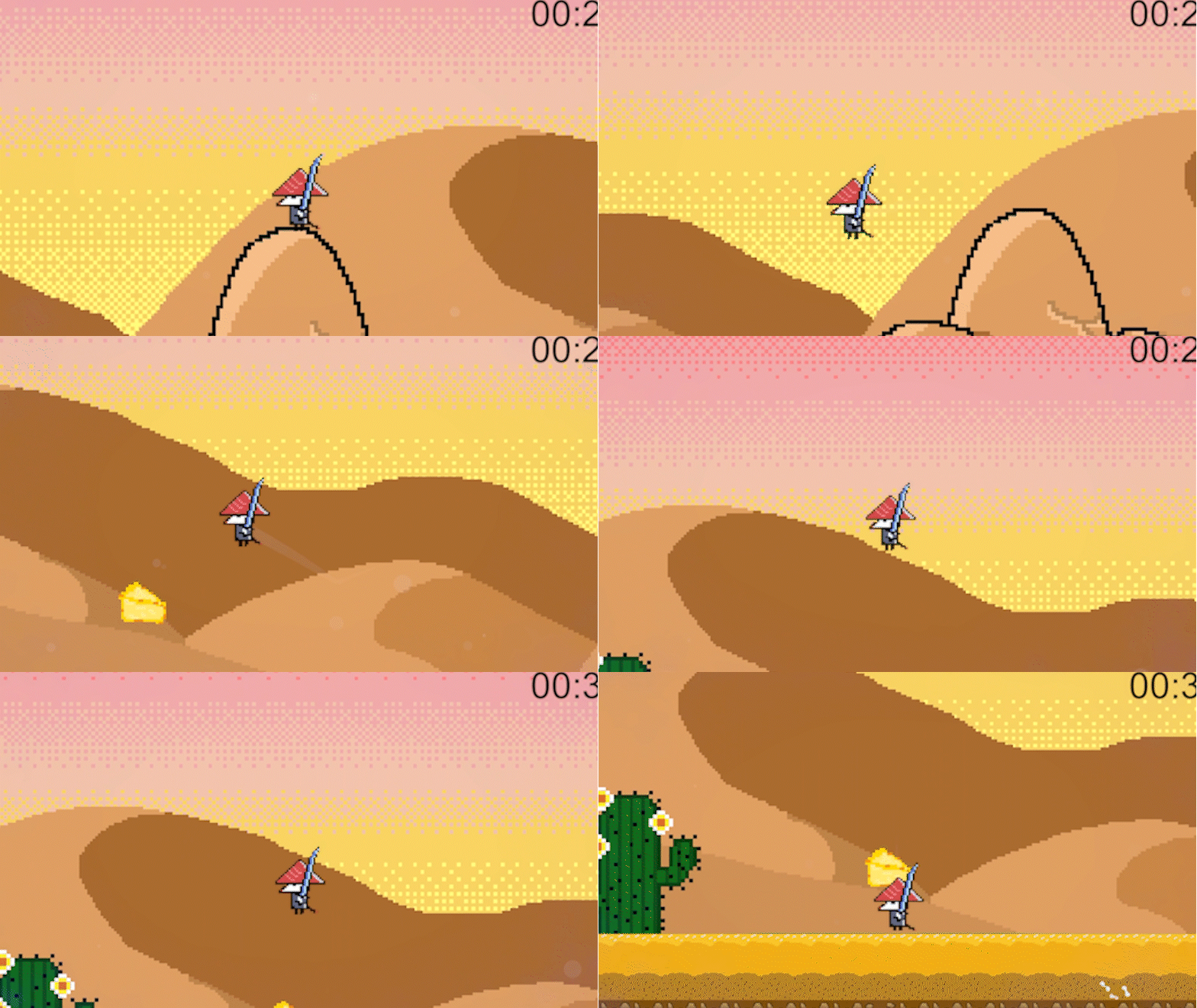
Shares inputs with the standard jump.
Exploration
While part of the game's goal is to get to the end of the stage as quickly as possible, there are alternative areas and paths to discover in each stage.
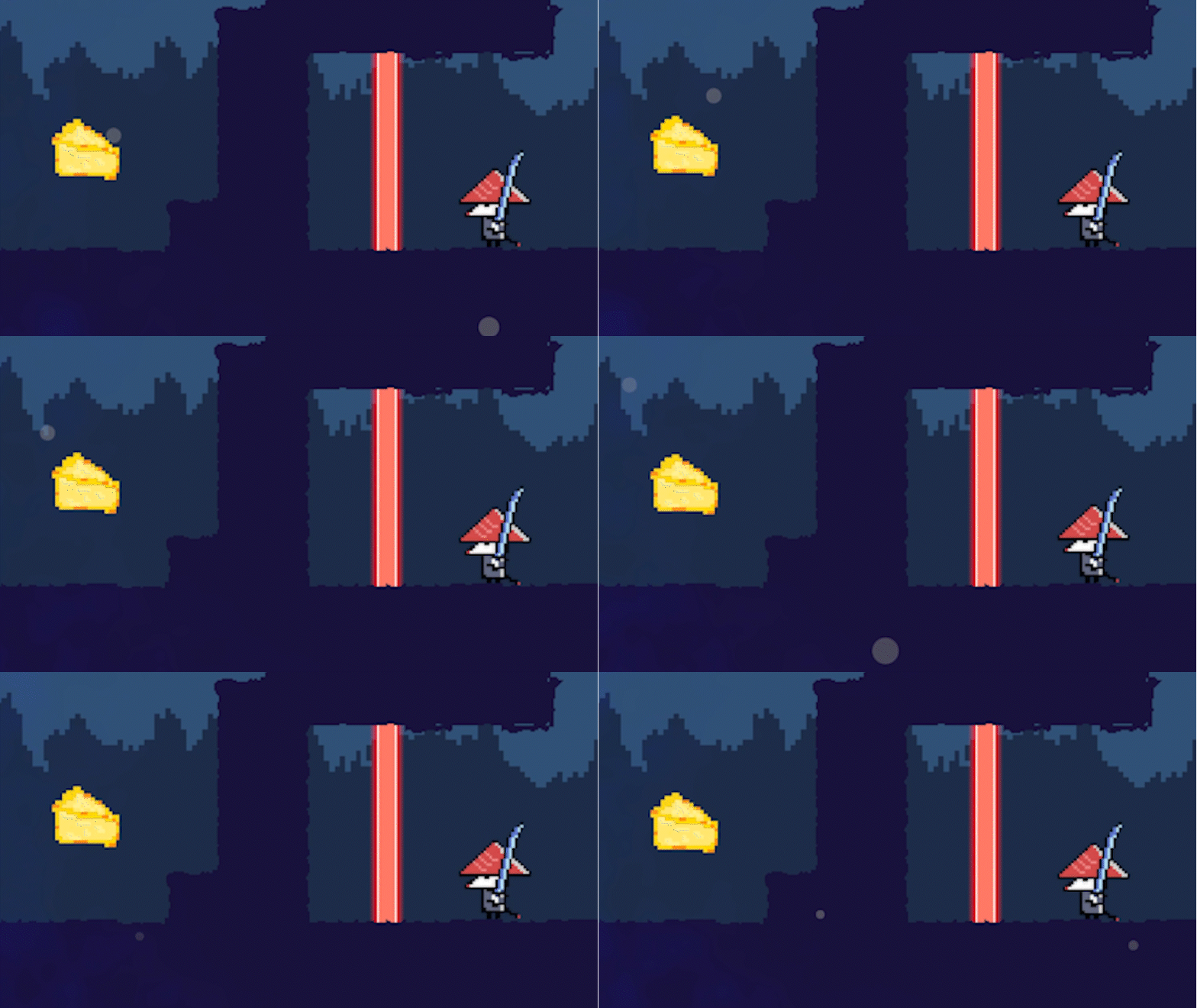
How does the player get there...?
Timing
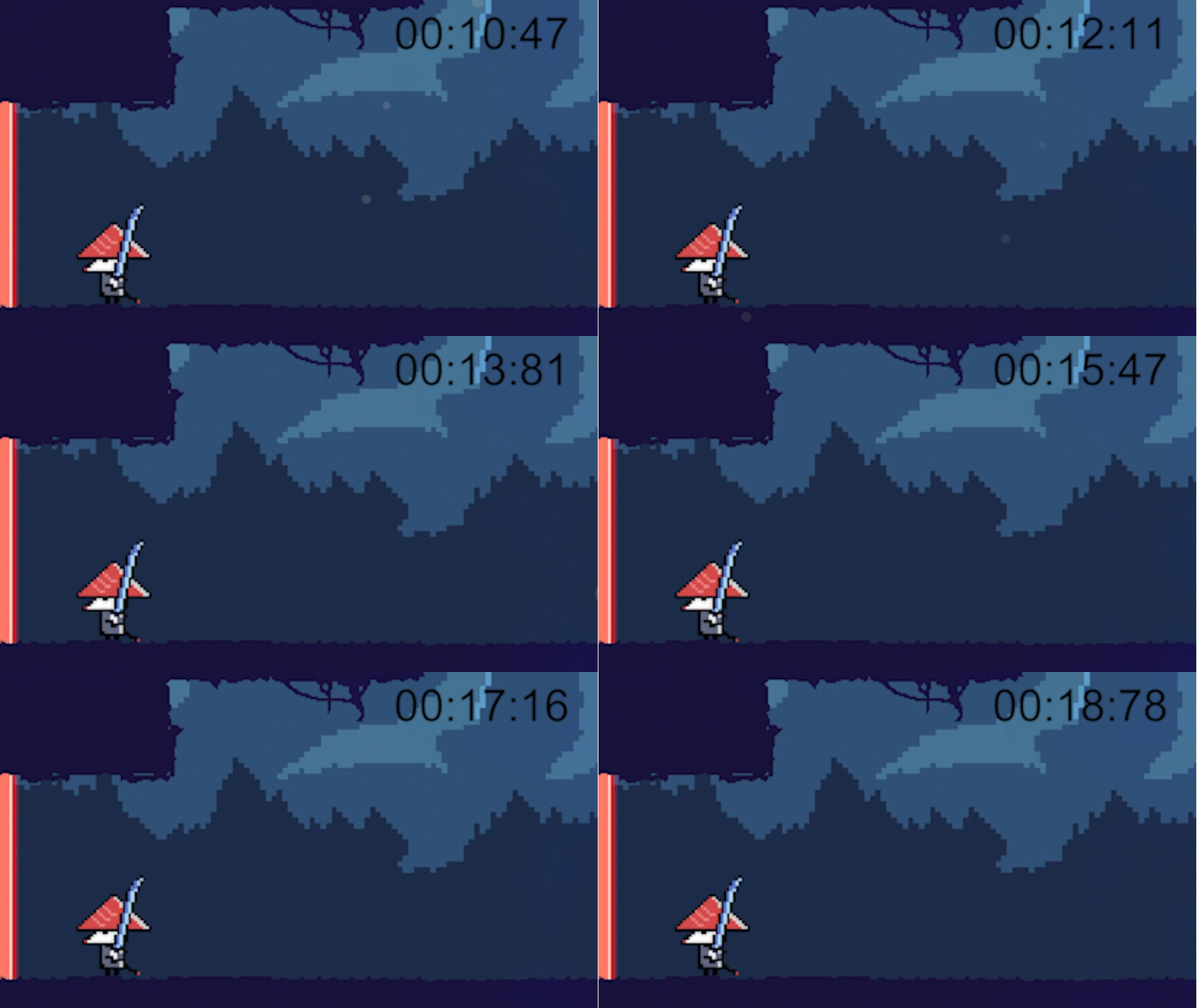
To keep the game replayable, each stage has its own timer to race against! The timer stops the moment you clear the stage boss and make it to the level completion area.
Input Support
Platformers feel best with your preferred input method. We support both keyboard and controller inputs!
To be added later!
Looking for the code and documentation? Our project is on GitHub!